Permissions management
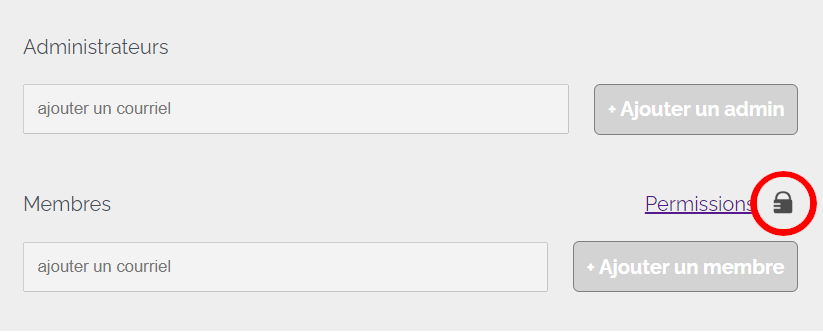
To access your group's permissions management, go to your profile and click on the small padlock icon above the members' section. This option is only available to group administrators.
The permissions dialog is then displayed. This document describes each option in detail.
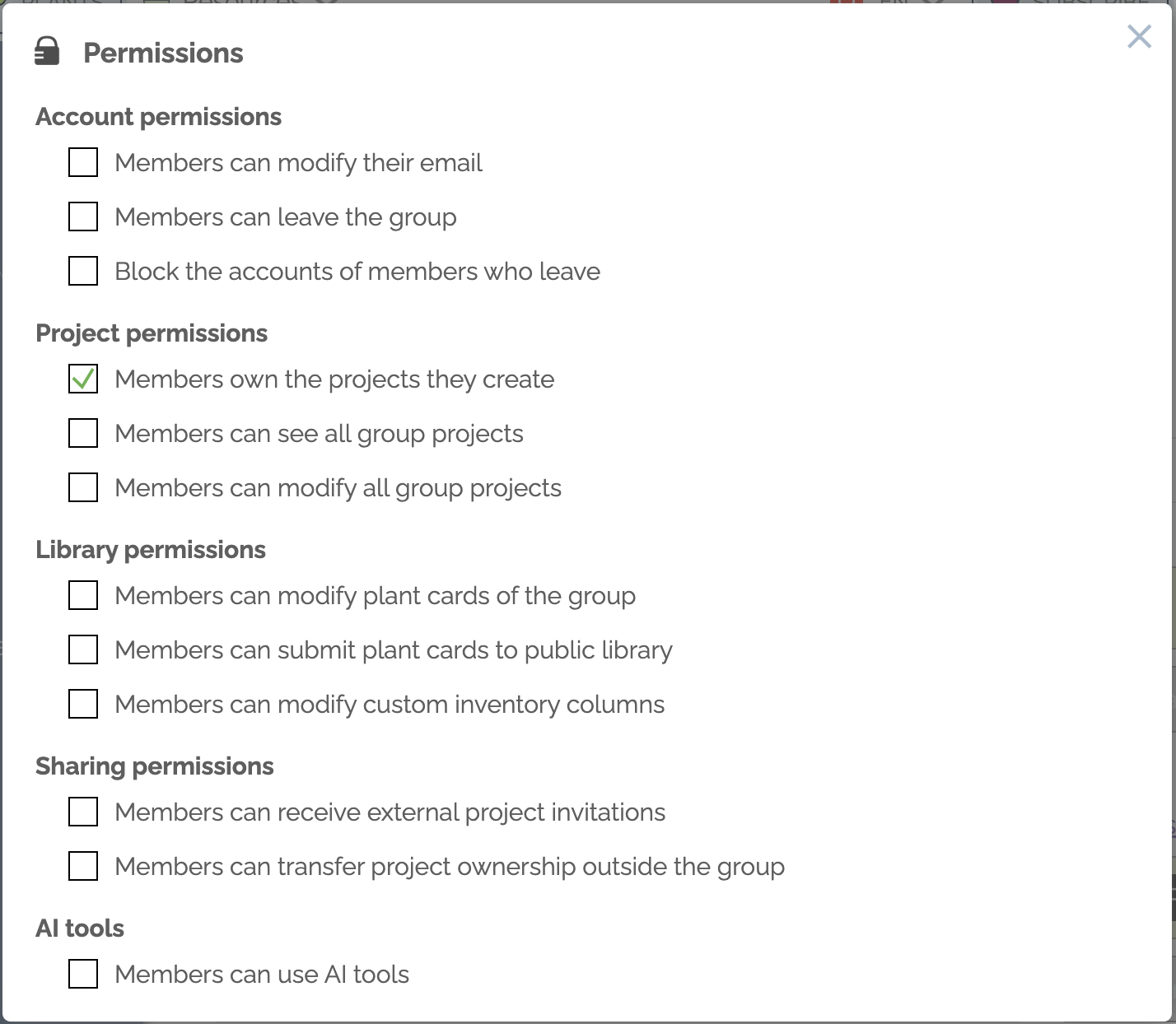
Members can change their e-mail address
If this box is unchecked (default), users cannot change their e-mail address. This is a security feature that prevents a group member from sharing projects to an external e-mail address and then modifying their own e-mail for that address.
Members can leave the group
If this box is unchecked (default), members cannot leave the group on their own. If this box is unchecked, only a group administrator can remove a member from the group.
Blocking departing group members
Si cette case est cochée, lorsqu'un utilisateur quitte le groupe (ou lorsqu'un administrateur le retire du groupe), le compte de l'utilisateur sera bloqué. À utiliser si par exemple vous congédiez un employé et que vous ne voulez plus qu'il puisse accéder à tisanji avec un courriel de votre compagnie.

Cette restriction n'est disponible que si votre groupe est restreint à un nom de domaine précis. Cette configuration ne peut être faite que par un administrateur de tisanji. Veuillez contacter support@tisanji.com pour restreindre votre groupe à un nom de domaine précis.
Members own the projects they create
If this box is checked, if a member leaves the group (or if an administrator removes him/her from the group), the projects owned by the member will belong to him/her and will no longer be accessible at group level.
Members can view all group projects
If this box is checked, members can open all group projects. Checked or unchecked, administrators always have this privilege. Opening a project does not automatically grant the right to modify it. See the following rule to manage this permission globally.
Members can edit all group projects
If this box is checked, members can modify all projects in the group, without first requesting authorization (via the project sharing function). Checked or unchecked, administrators always have this privilege.
Members can edit the group's plant cards
Members can edit all plant cards in the group, whether they are the original author or not.
Members can submit plant cards to the public library
All members can submit plant cards to the tisanji public library.
Members can modify custom inventory columns
All members can add/delete inventory custom columns and modify values for each plant.
Members can receive invitations from external projects
Since the projects your members collaborate on count towards your group's total number, you can decide to prevent them from collaborating on projects outside the group. Administrators never have this constraint.
Members can transfer ownership of projects outside the group
If this box is checked, members can transfer ownership of projects outside the group. If you prefer to have a policy that projects in your group always belong to the group, check this box. Administrators never have this constraint.